Want to use LinkQu services for your business needs? Just follow this simple registration guide!
How to Create a LinkQu Account
-
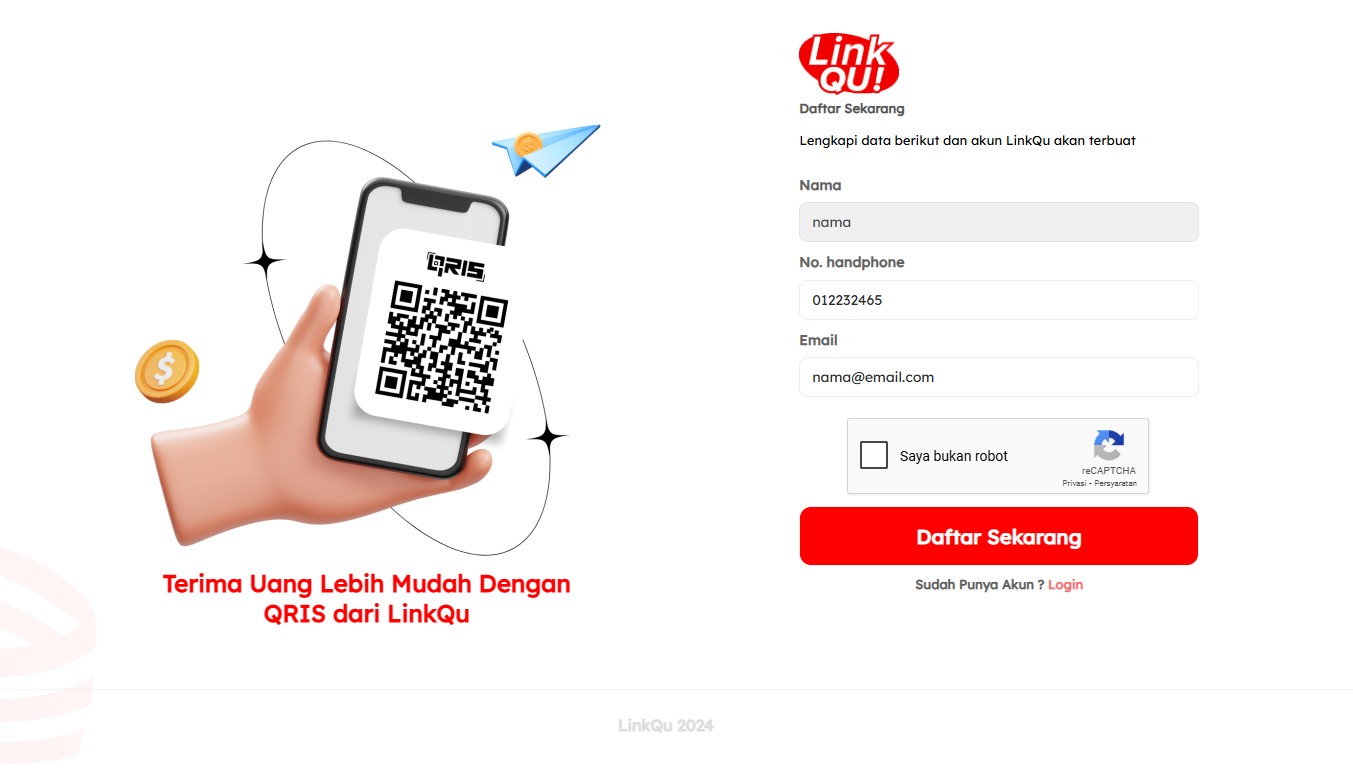
Visit www.linkqu.id and click the Register button, or go directly to https://signup.linkqu.id
-
Fill in the registration form with:
-
Full name
-
Active phone number
-
Email address
-
-
Click the Register Now button
Activate Your Account
-
Open your email and find the activation email from LinkQu
-
Click the Activate Now button in the email
-
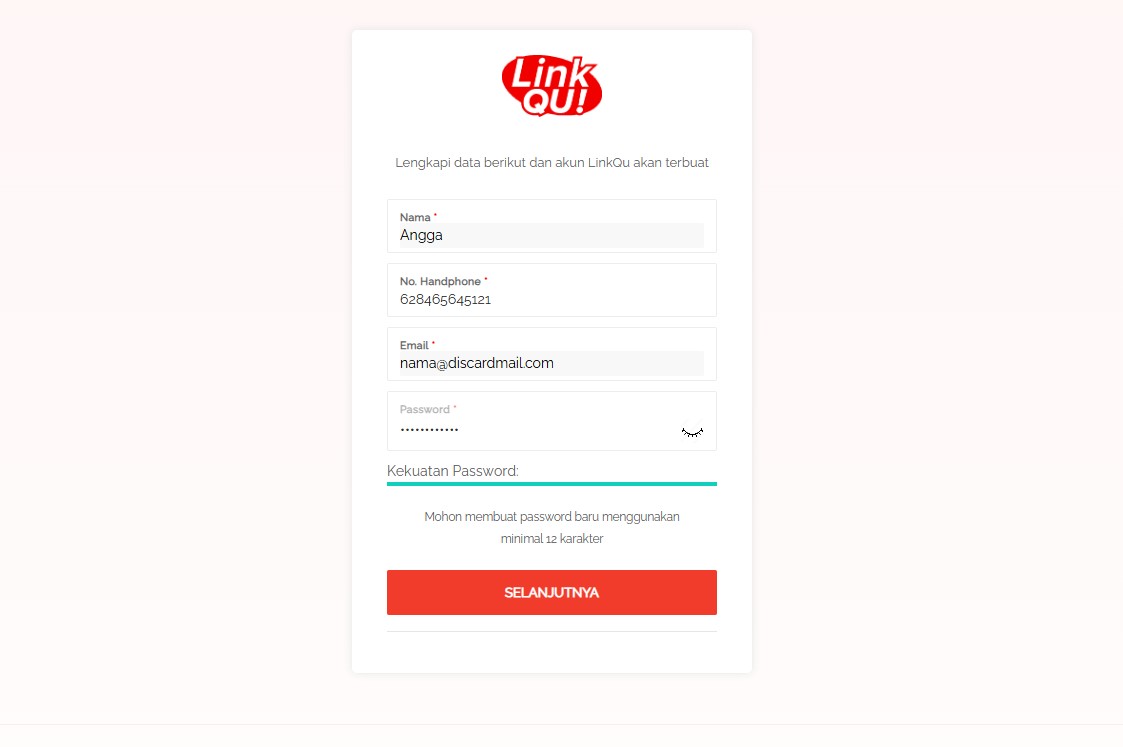
You will be redirected to create a password
-
Create a secure password (minimum 12 characters), then click Next
-
Confirm your password, then click Create Account
Log In and Choose a Service
-
After registering, log in to the LinkQu dashboard at https://cognos.linkqu.id
-
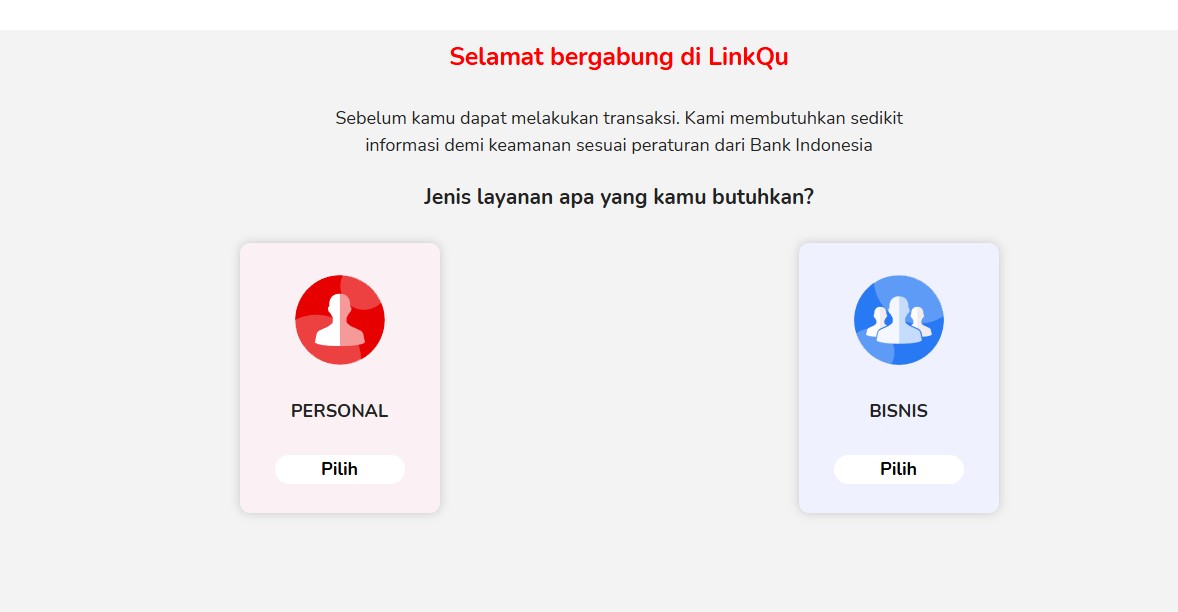
On your first login, you’ll be asked to choose a service: Personal or Business
-
Choose Business to proceed with a business account setup
Complete Your Business Profile
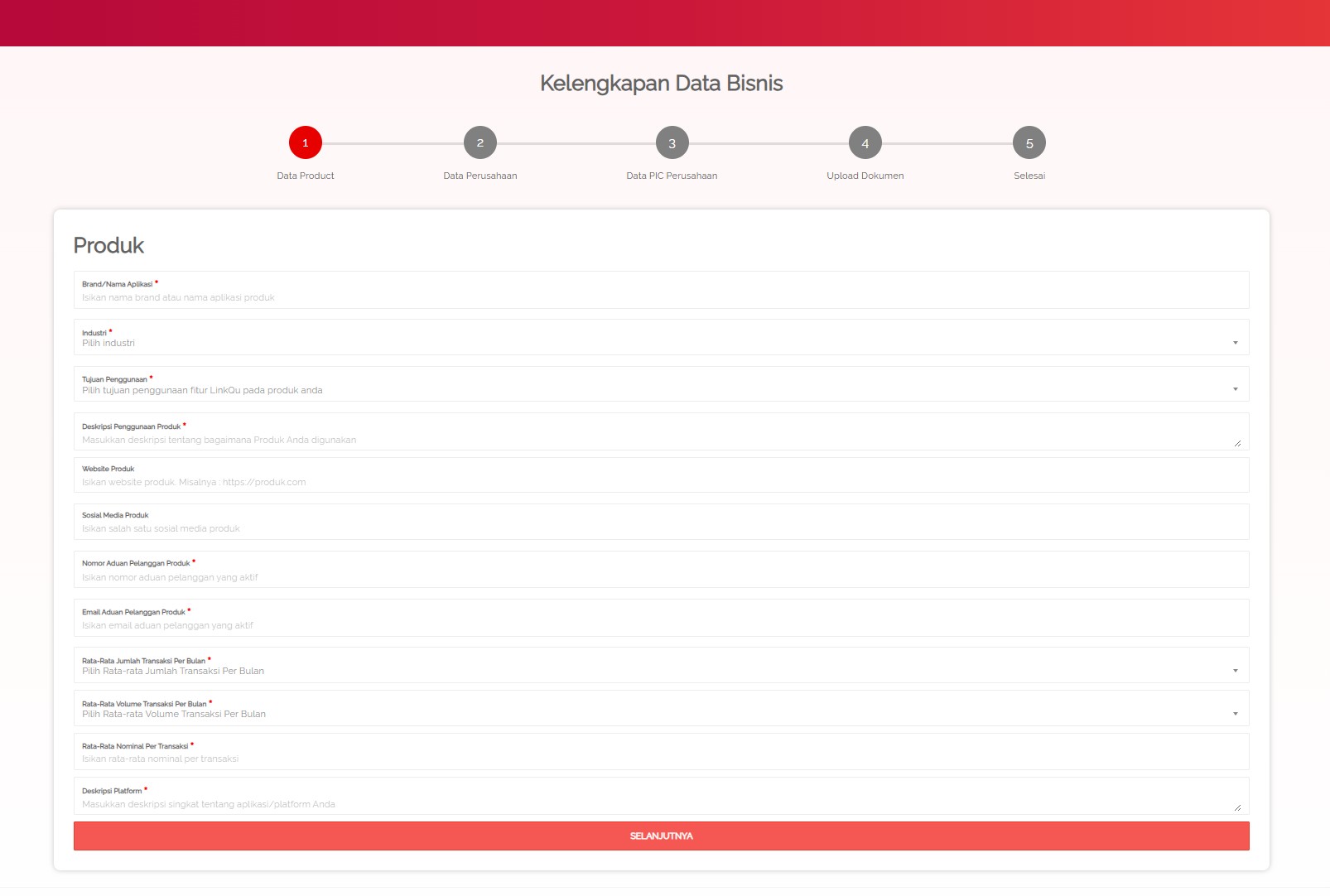
Fill in the business registration form. You’ll need to provide:
-
Product Information – The type of service or product your business offers
-
Company Information – Business name, address, and legal details
-
Company PIC – Person in charge of daily operations
-
Upload Documents – Such as NIB, tax ID, and other supporting files
-
Finish – Submit your data for verification
Verification Process
Once all your data and documents are submitted:
-
LinkQu’s team will verify your information
-
You’ll receive an email notification once your registration is approved
Congratulations! Once verified, your LinkQu Business account is ready to use — enjoy easier, safer, and more efficient business transactions!